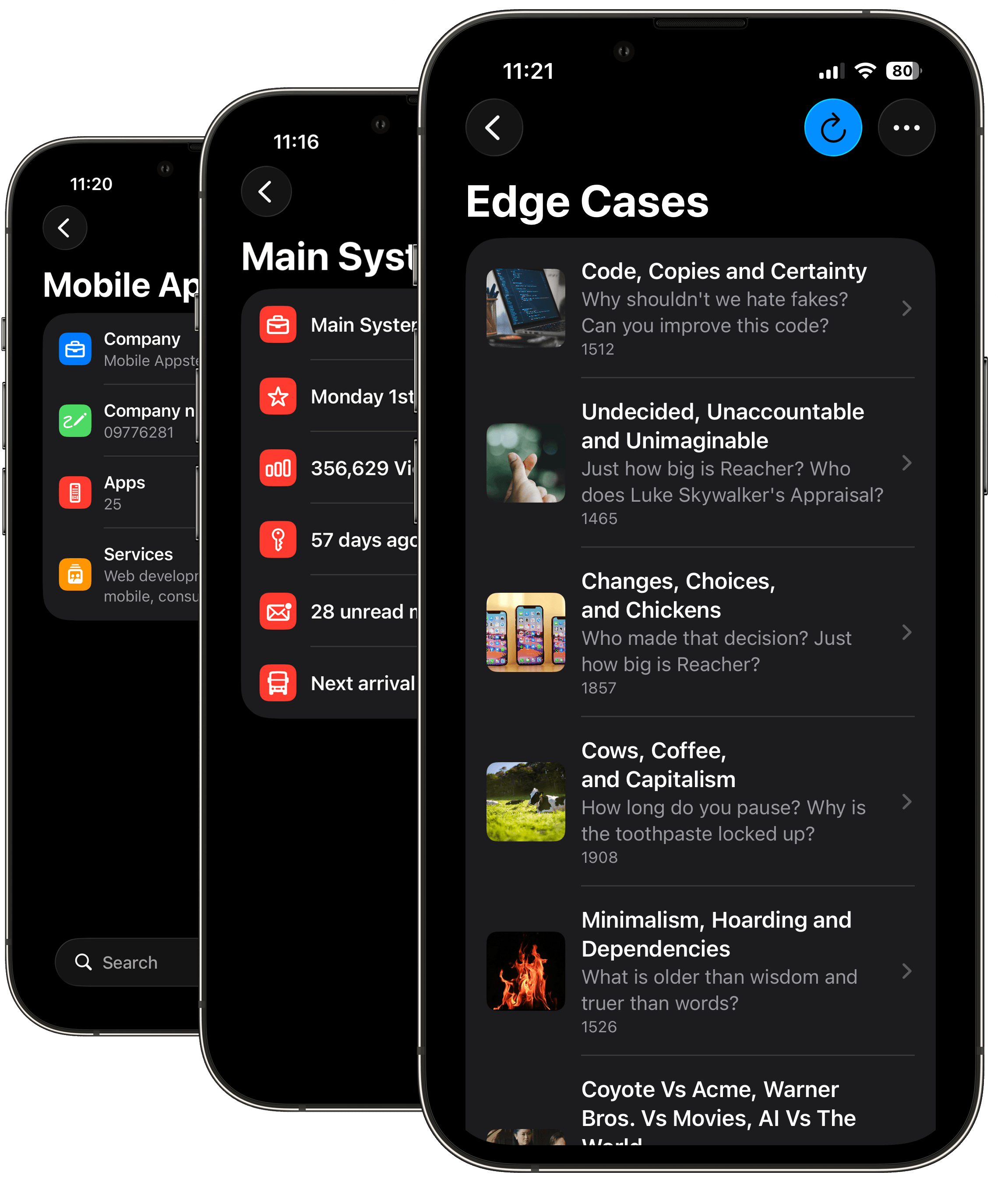
Command Control gives you the power to query any JSON API and organize exactly what you need into a personalized dashboard on your iPhone. Stop jumping between terminal windows, web tabs, or multiple app layouts. Gather, extract, and combine data streams from completely different sources into a single, clean Command Control application tailored to your exact workflow.

Build dynamic triggers with ease. Command Control lets you add custom parameters, free-text inputs, and predefined dropdowns to execute targeted commands across any web service from one centralized location.
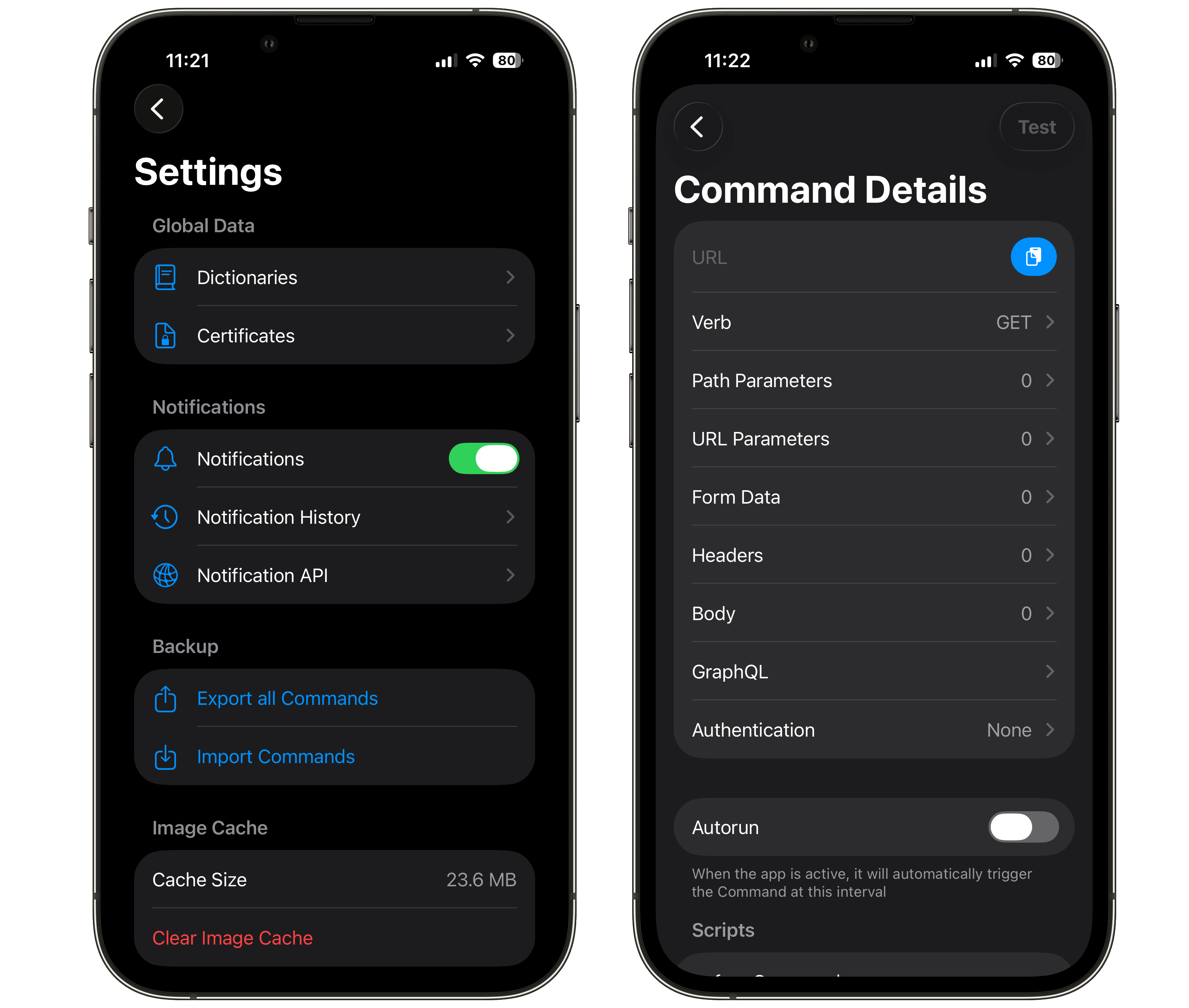
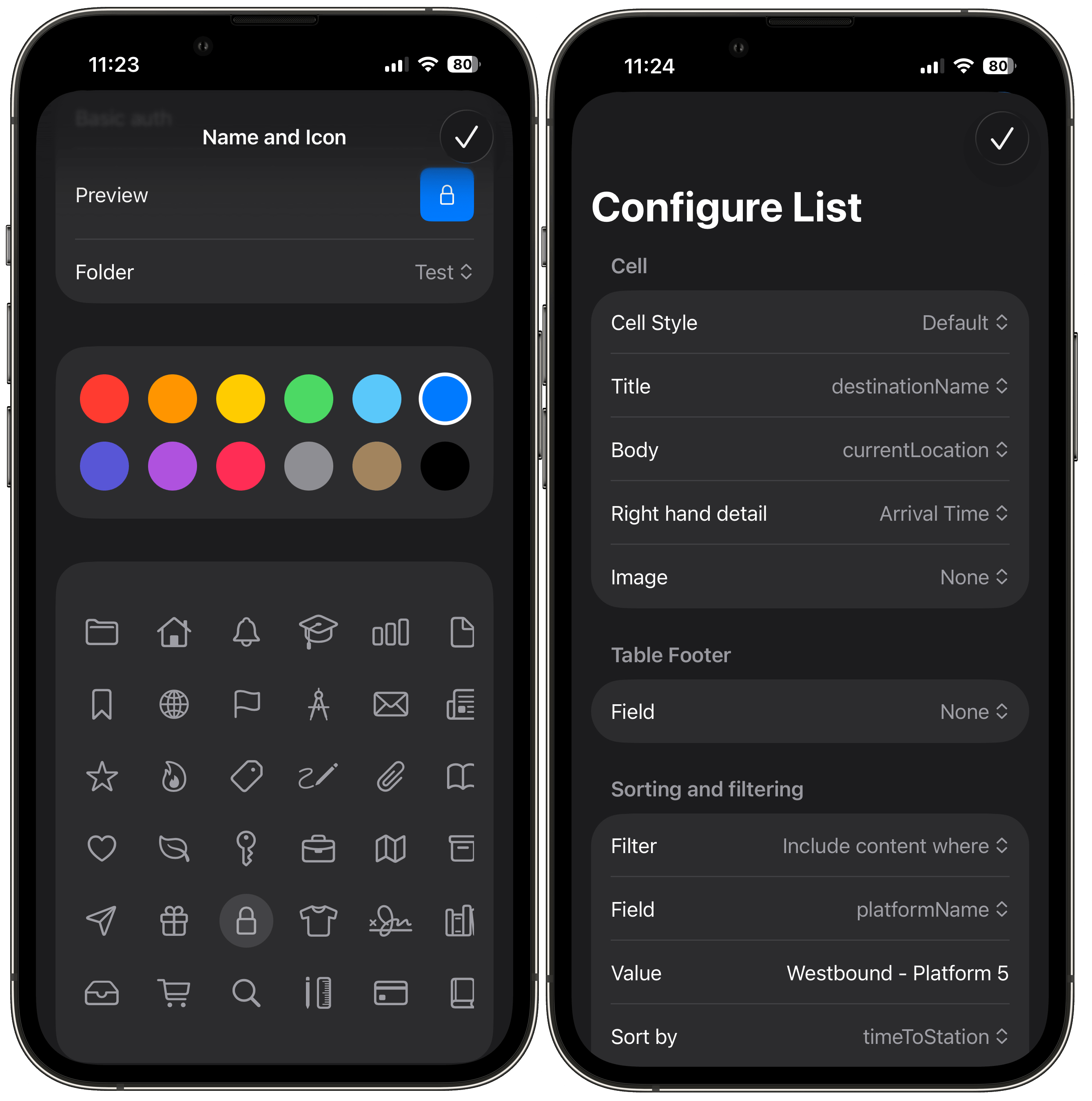
Query any system using URL Parameters, Query Parameters, POST/PUT payloads, or GraphQL. The app supports robust, secure authentication protocols including API keys, Basic Auth, client-side certificates, and login redirects. Once your data flows in, you control the presentation: hide messy fields, format raw values into human-readable strings, perform calculations, stitch text fields together, and display nested images in custom layouts.
Take automation a step further by chaining commands together. Automatically extract authentication tokens or data lists from one API to dynamically populate a persistent dictionary used by another. With custom pre- and post-execution scripts, a single tap can trigger complex, multi-service workflows seamlessly.
Group APIs into recursive nested folders and style them with custom names, symbols, and colors.
No more typing out complex or error-prone JSON strings manually. Browse your API payloads and pick your data mapping visually.
Turn data row into actionable buttons. Tap a field to execute a secondary command, passing dynamic values into the next request.
Handles all standard HTTP verbs, path variables, URL queries, custom headers, JSON bodies, and raw payloads.
And more...